
How to Detect Cluely in Interviews
By CheatProof.ai Team · Published · Updated
Short answer: You can't see Cluely on a shared screen — hiding from it is the whole point of the tool. To detect it, you need a check on the candidate's computer that compares the windows the operating system shows on screen with the windows that can be captured. CheatProof's desktop app runs this check during the interview and marks the moment a hidden window appears, so you know when to ask a follow-up question.
What Cluely is
Cluely is a desktop AI assistant for macOS and Windows. It launched in April 2025 with the slogan "Cheat on Everything" and now markets itself as a meeting assistant. During a call it listens to the audio, reads what's on the screen, and shows suggested answers in a small window on top of other apps.
That window is the problem for interviewers. When the candidate shares their screen in Zoom, Google Meet or Microsoft Teams, the window isn't part of the shared image. The interviewer sees the code editor. The candidate sees the editor and the answers.
Signs you can notice without any tool
- The candidate's eyes move in a steady reading pattern, often near the camera or along one part of the screen.
- There's a short pause before every answer, even a simple one, followed by a fluent, well-structured reply.
- A finished, optimal solution appears with little trial and error, but the candidate struggles to explain a line or to change it when you add a constraint.
These signs are worth a follow-up question. None of them is proof on its own: some people pause to think, and some read their own notes.
How CheatProof detects hidden windows
CheatProof uses a desktop app. The candidate connects it to the interview and agrees to share the data. While the interview runs, the app regularly checks which windows the operating system shows on the screen and which of them can be captured.
The desktop app is available for macOS. The Windows app is coming soon.
On Windows (coming soon), an app can ask the system to exclude its window from screen capture or to show it only on the physical monitor. CheatProof reads this setting for every visible window. If a window is protected this way, CheatProof outlines its area in red and labels it with the process name when it's available. In our Windows test with Cluely, this check flagged Cluely's window and its process.
On macOS, CheatProof compares two lists: the windows macOS reports as on screen, and the windows ScreenCaptureKit offers for capture. A window that's on screen but missing from the capture list gets flagged. If a window is in both lists, CheatProof takes a snapshot of it, and a frame that comes back almost blank is also a signal. If the snapshot can't be taken, the result stays "unknown" instead of counting as a detection.
The check isn't built around Cluely's name, so it also applies to other tools that hide their windows from screen capture.
What the interviewer sees
During the call, the interviewer can open the hidden-window indicator to see where the window was on screen and which app it belongs to, as reported by the system.
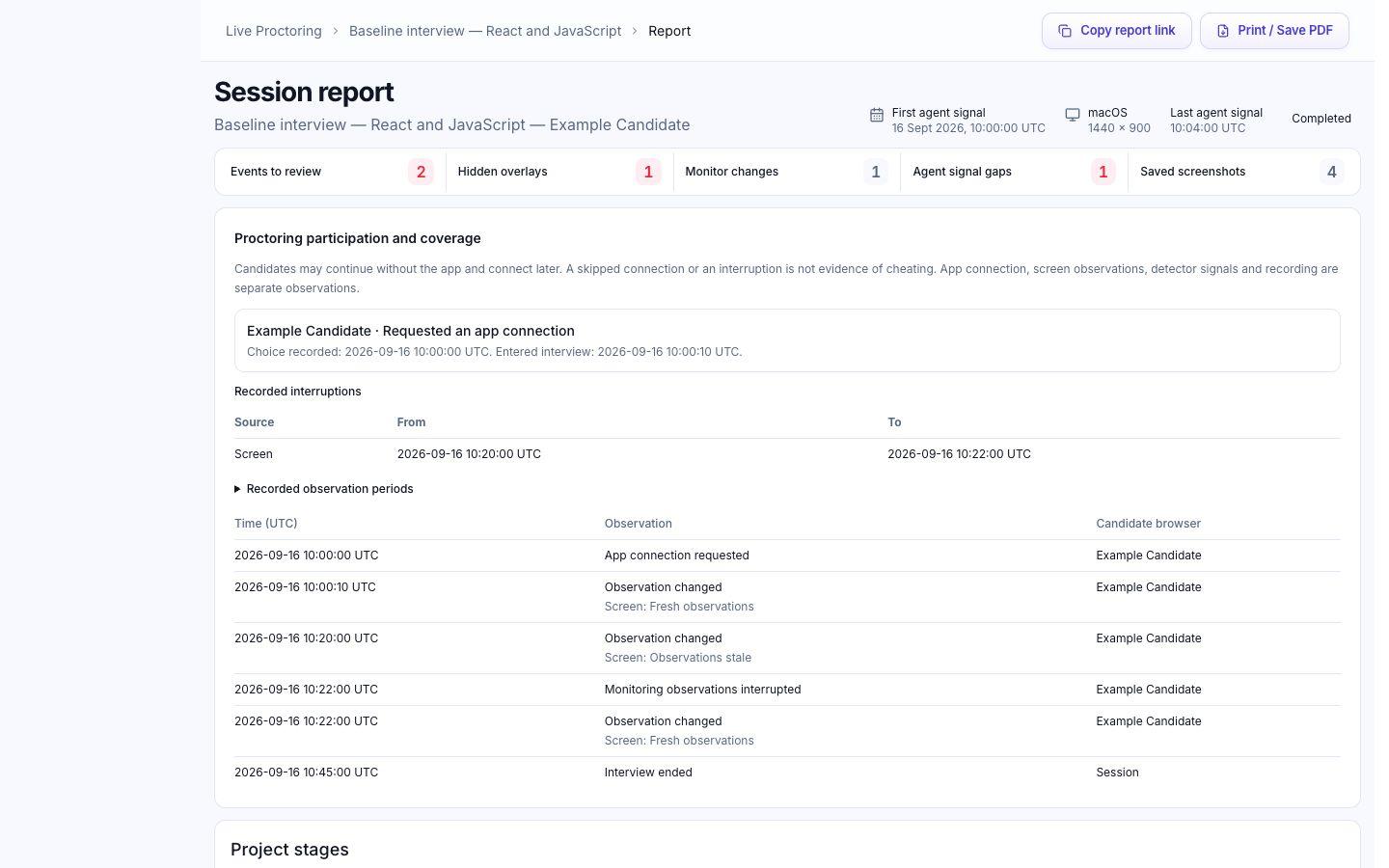
After the interview, the report shows when the window appeared, how long it stayed and whether it came back. If text was pasted into the editor, the report shows how many pastes happened while the window was visible and in the 30 seconds after.
Here's how that helps. A hidden window appears while the candidate is solving the task, and a few seconds later a block of code is pasted into the editor. You open that moment in the report and ask the candidate to explain why the solution works and what happens if the input changes.
What detection can't tell you
- It needs the desktop app. A browser-only check can't see windows outside the browser.
- It can't see a second device, such as a phone or another laptop next to the screen.
- A hidden window at the same time as a paste is a reason to ask questions, not proof that the candidate copied an answer from Cluely.
Questions that work well alongside detection
- Ask why they chose this approach over another one.
- Change a constraint mid-task: a memory limit, a new edge case, a different input format.
- Ask them to debug or extend their own code live, talking through each change.
FAQ
Is Cluely visible on Zoom, Google Meet or Teams screen share?
No. Its window is left out of the shared image, so the meeting app can't show or flag it. Detection has to happen on the candidate's computer.
Can CheatProof detect Cluely?
CheatProof's desktop app is built to catch tools like Cluely, which hide their windows from screen sharing. On macOS, available now, it flags windows that are on screen but missing from screen capture, or that capture as an almost blank frame. The Windows app is coming soon; in our Windows test, it flagged Cluely's window and showed its process name. CheatProof can't see a second device, such as a phone next to the laptop.
Does a hidden window prove the candidate cheated?
No. It shows when a hidden window was on screen and what happened in the editor at that time. Use it to ask follow-up questions and decide based on the answers.